Policy Agent
Define rules, enforce standards, and automate label management across your entire Plex library — without touching a single item by hand.
Label Automation
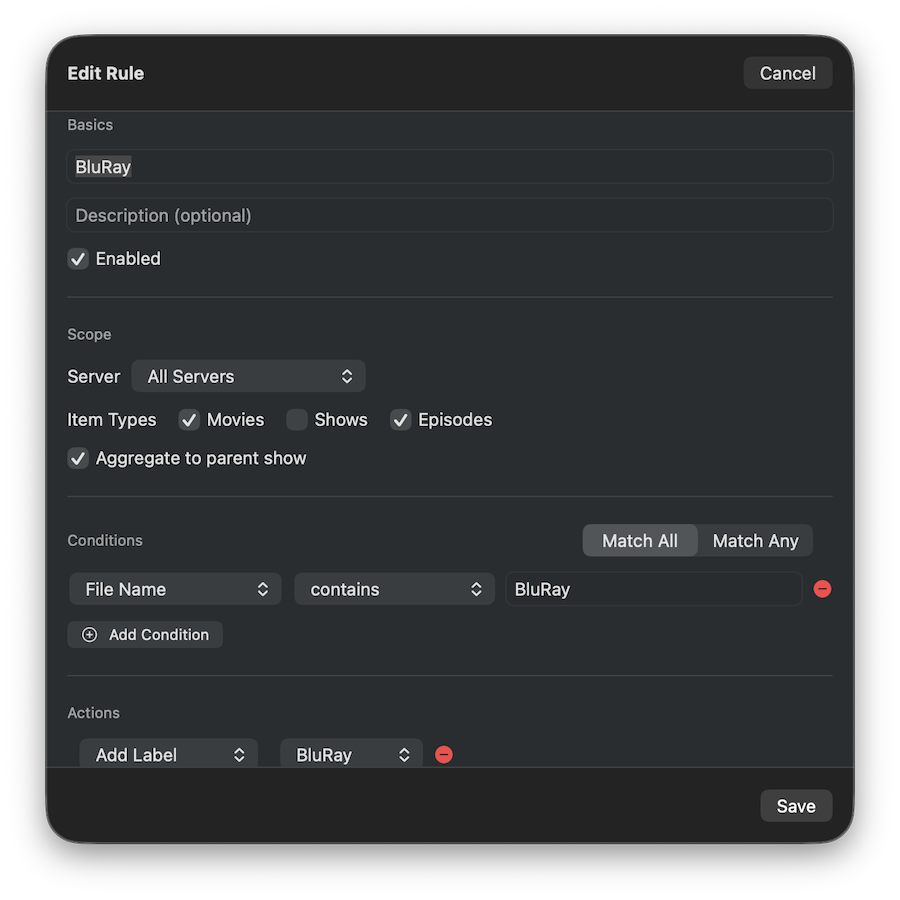
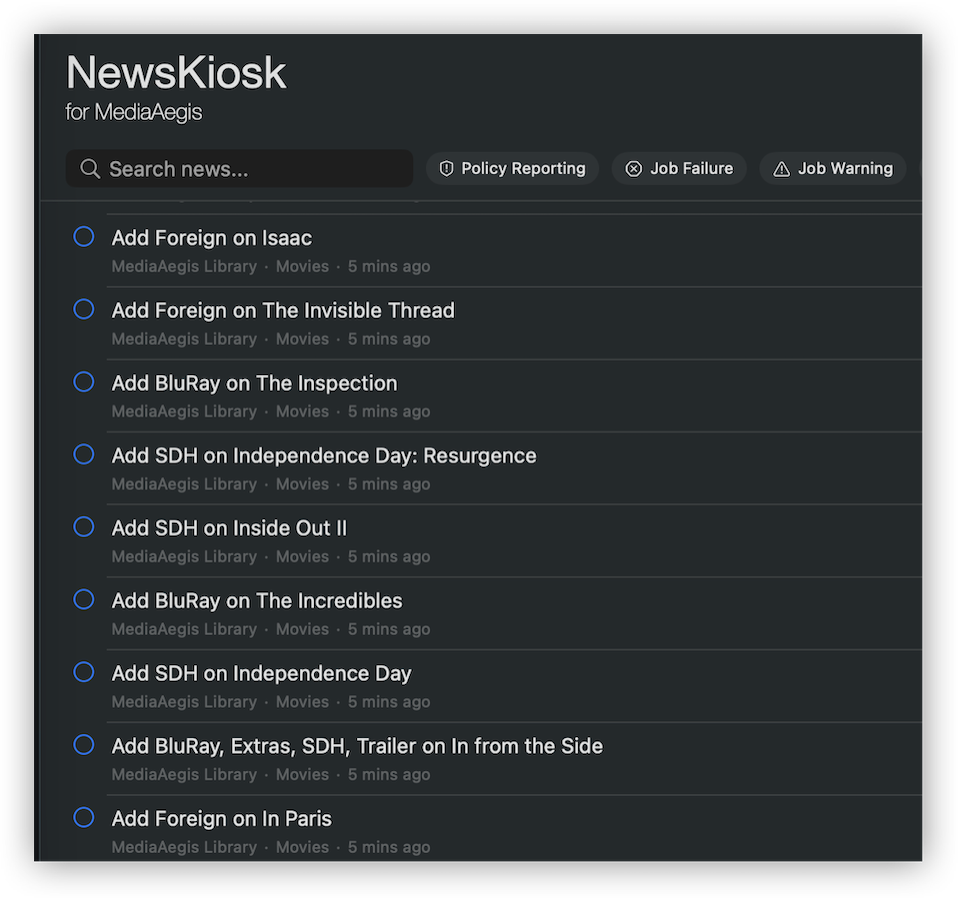
Create rules that automatically add or remove labels based on your criteria. Tag HDR content, flag foreign-language films, mark Dolby Atmos titles, identify highly-rated items — all automatically across your entire library.
- Build rules with flexible conditions — match on codec, resolution, scan type, language, rating, and more
- Condition groups with AND/OR logic for complex matching
- Pin specific titles to a rule by hand, alongside the automatic matches
- Scans stream-level metadata: video, audio, and subtitle tracks
- Conflict resolution — removes always take priority over adds
- Labels applied unlocked so rules can re-evaluate on future runs
Keyword Labels
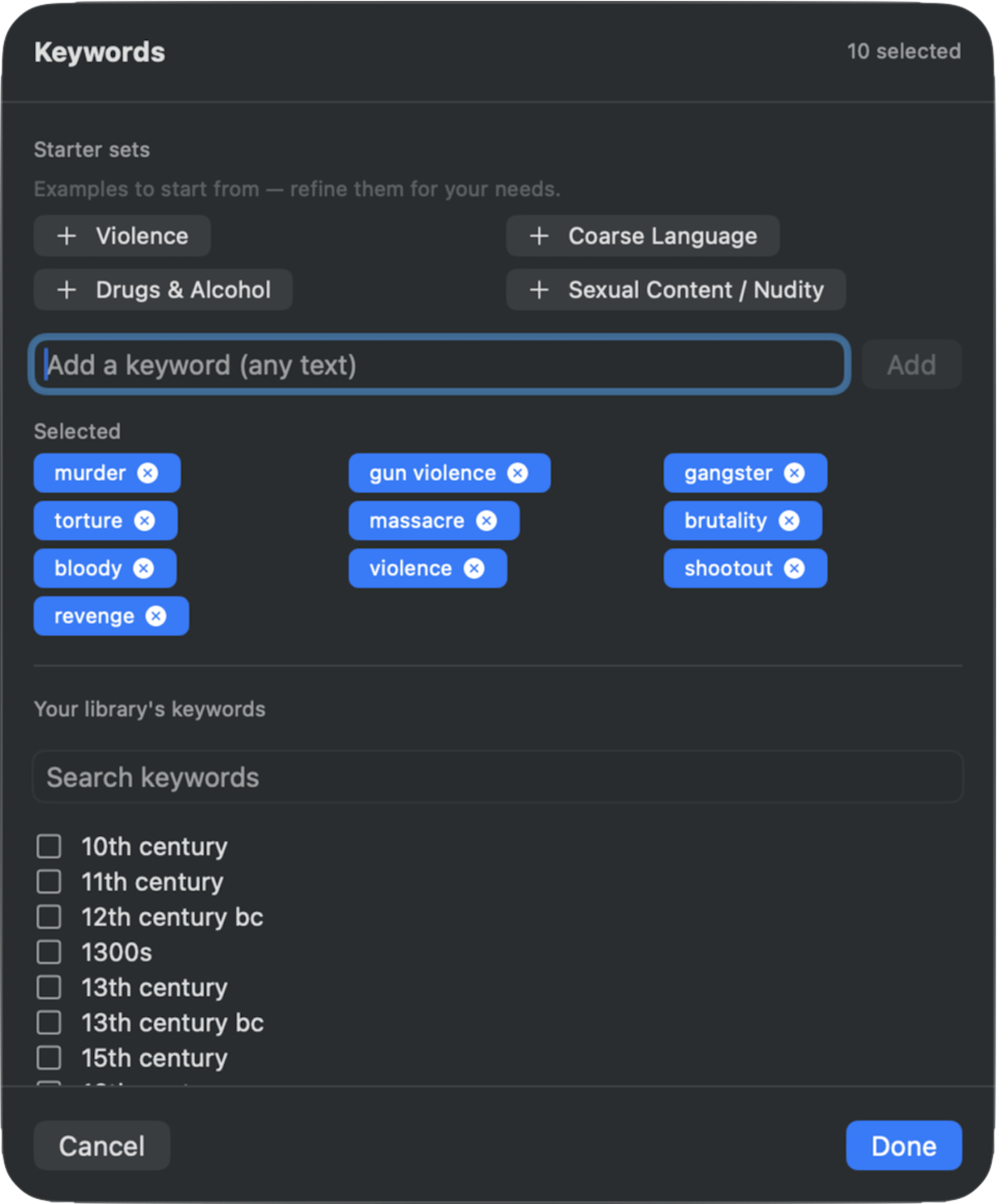
Tag content by what it’s actually about. Policy Agent can match movies and shows against the descriptive keywords The Movie Database (TMDB) assigns them — perfect for parental-control labels like Violence, Coarse Language, or Drugs & Alcohol that Plex has no native way to apply.
- Build a local Keyword Index that caches each title’s TMDB keywords for fast, repeatable scans
- Match on “contains any of” / “contains none of” with a keyword picker drawn from your own library
- Bundled starter sets — Violence, Coarse Language, Drugs & Alcohol, and Sexual Content — to build from
- Match TV shows by their TMDB status — Returning Series, Ended, or Canceled — cached in the same index (great for a “Currently Airing” collection)
- Works in Label Automation, Collection Builder, Content Ratings, and Library Research
- Export keyword columns from Library Research to CSV — a spreadsheet of every title and its keywords
- Uses your own free TMDB Read Access Token (bring your own key)
Content Ratings
If you share your Plex server with family — especially kids — you rely on content ratings to enforce age-appropriate restrictions. But foreign and regional ratings like FSK 16, MA 15+, or BBFC 12A can slip past Plex’s exclusion rules, exposing younger viewers to content they shouldn’t see.
Content Ratings lets you create fully customizable maps that translate non-domestic ratings to your local system. MediaAegis scans your libraries for non-domestic ratings and applies your corrections — so every movie and TV show has a rating Plex can enforce.
- Map foreign and regional ratings to your domestic system (e.g., MPAA, TV Parental Guidelines)
- Scans libraries for non-domestic ratings and applies corrections automatically
- Fully customizable — define your own mappings for any rating system
- Keeps Plex user restrictions working reliably for every title in your library
- Respects locked fields — won’t override manual overrides
Built-in templates
Get started quickly with 8 pre-built rule templates for common scenarios. Customize them to fit your library, or create your own from scratch.
Media Detection
HDR, Dolby Vision, Dolby Atmos, and 4K templates that scan stream-level metadata to tag your content accurately.
Language & Accessibility
Foreign Language, Dubbed, and SDH templates that detect subtitle and audio track properties across your library.